Add your video
Import a file or connect an authorized VOD. For links, Viral Booster for Windows prepares the media on your computer.
Choose which optional measurements to allow. Declining does not prevent use of the site. You can change your choices here at any time.
Privacy policy✦ For podcasts, interviews and lessons
Find segment suggestions with AI, watch the context and turn your chosen idea into a short video. You decide what makes sense to publish.
Start with 60 credits, no card · 1 credit per started minute of analysis
Use the Windows app to prepare media and transcribe. An active monthly subscription removes the watermark and unlocks the standalone editor.
Watch before signing up
See the original recording alongside the clip created automatically by the editor. The result is already a segment selected by the tool, with vertical framing and captions.
Cassava: from poison to everyday bread. Real example provided for this demonstration.
Before · original
The original recording, before selecting the segment and editing it.
39 seconds. Turn on sound to listen.
Result
Clip created automatically by the editor.
39 seconds. Turn on sound to listen.
Before publishing your clips, review the context, audio and captions.
Try my own video ↗Long-form content is raw material
You already invested time in recording. Now make every hour produce more than one post.
How it works
Import a file or connect an authorized VOD. For links, Viral Booster for Windows prepares the media on your computer.
Check the transcript and credit cost. After you confirm, AI analyzes the content and suggests moments.
Watch the suggestions, read their context, and choose an excerpt that works as its own video.
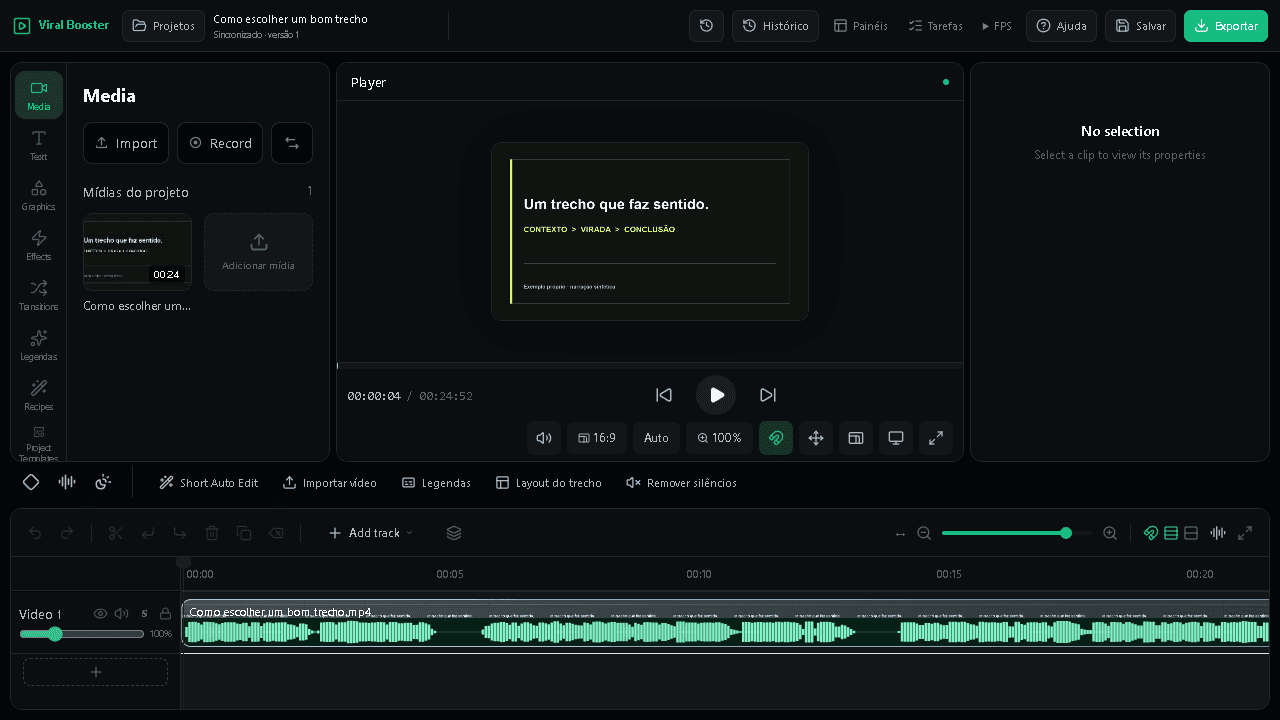
Adjust the start, end, captions, and framing in the editor. Review the file before publishing.
Viral Booster for Windows
Install once to edit with Viral Booster's stable Chromium runtime and process media locally, without a separate helper app.
Download for WindowsPlans and credits
First analysis: 1 credit per minute. The next two analyses of the same video are free without increasing the analyzed duration.
Receive credits every month with automatic card renewal.
Reference prices in BRL. At checkout, Stripe calculates your local currency based on your location and shows the total and conversion before you confirm. Where conversion is unavailable, payment is in BRL.
BRL 17.90/ month
BRL 29.90/ month
BRL 59.90/ month
Monthly card subscriptions renew automatically. Cancel renewal in your account. Need more? Buy extra credits without changing plans and outside the banking limit. Paid analyses cost 1 credit per started minute. The second and third analyses of the same video are free for clips no longer than the original. From the fourth onward, billing resumes. Importing, transcribing, and editing do not consume credits.
Frequently asked questions
No. A VOD does not use credits just because it exists in a project. Importing, transcribing, editing, and exporting also do not consume analysis credits.
The first AI analysis uses 1 credit per analyzed minute, rounded up. The second and third analyses of the same video are free as long as the clip is no longer than the first analysis. From the fourth onward, billing returns to a per-minute basis.
Yes. After the first paid analysis, you can refine the request with two free follow-up analyses of the same video. Each free reanalysis must be no longer than the original analysis. Check the cost before confirming.
Viral Booster combines the editor and local processing in the same application. This provides a consistent editing browser and reduces dependence on remote processing.
Every new account gets 60 credits, equivalent to up to 60 minutes of AI analysis.
The product is designed for livestreams, podcasts, interviews, and other long videos that can yield multiple clips.
Practical guides for choosing moments, reviewing transcripts, and preparing short videos with context.
Your next clip is already in your content